COMPATIBLE AVEC L'APP DMD2
Description :
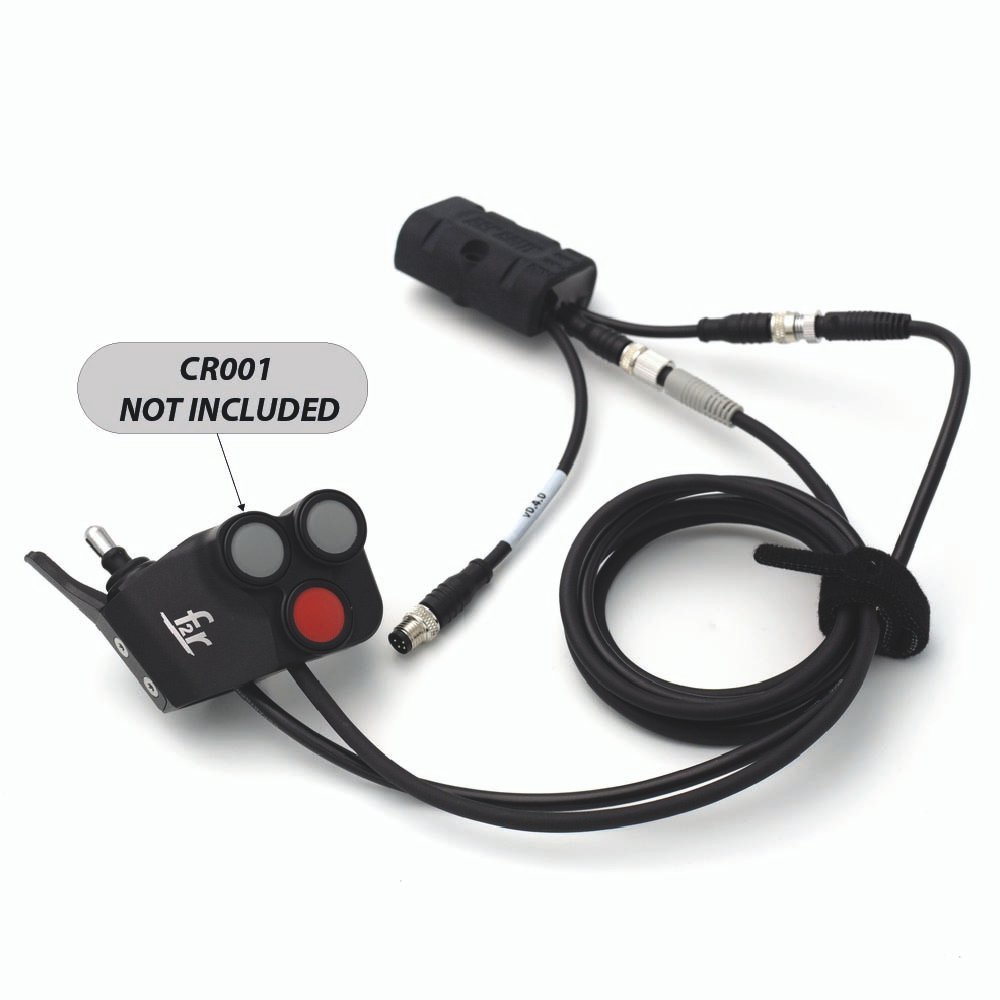
- 100 % compatible avec Télécommande F2R CR001 Combo (non inclus)
- Transformez votre télécommande analogique en une télécommande avec communication BLE 5.0.
- Protection intégrée contre l'inversion de polarité, les courts-circuits et les surcharges
- Modes de fonctionnement variés
- Veille avec une consommation d'énergie d'environ 0,001A (1mA)
- Seulement 55x37x20mm, sans câblage/connecteurs
- Fixable par vissage et/ou bride sur surfaces planes ou tubulaires
- Entièrement étanche
- Mise à jour du firmware via OTA
Comprend :
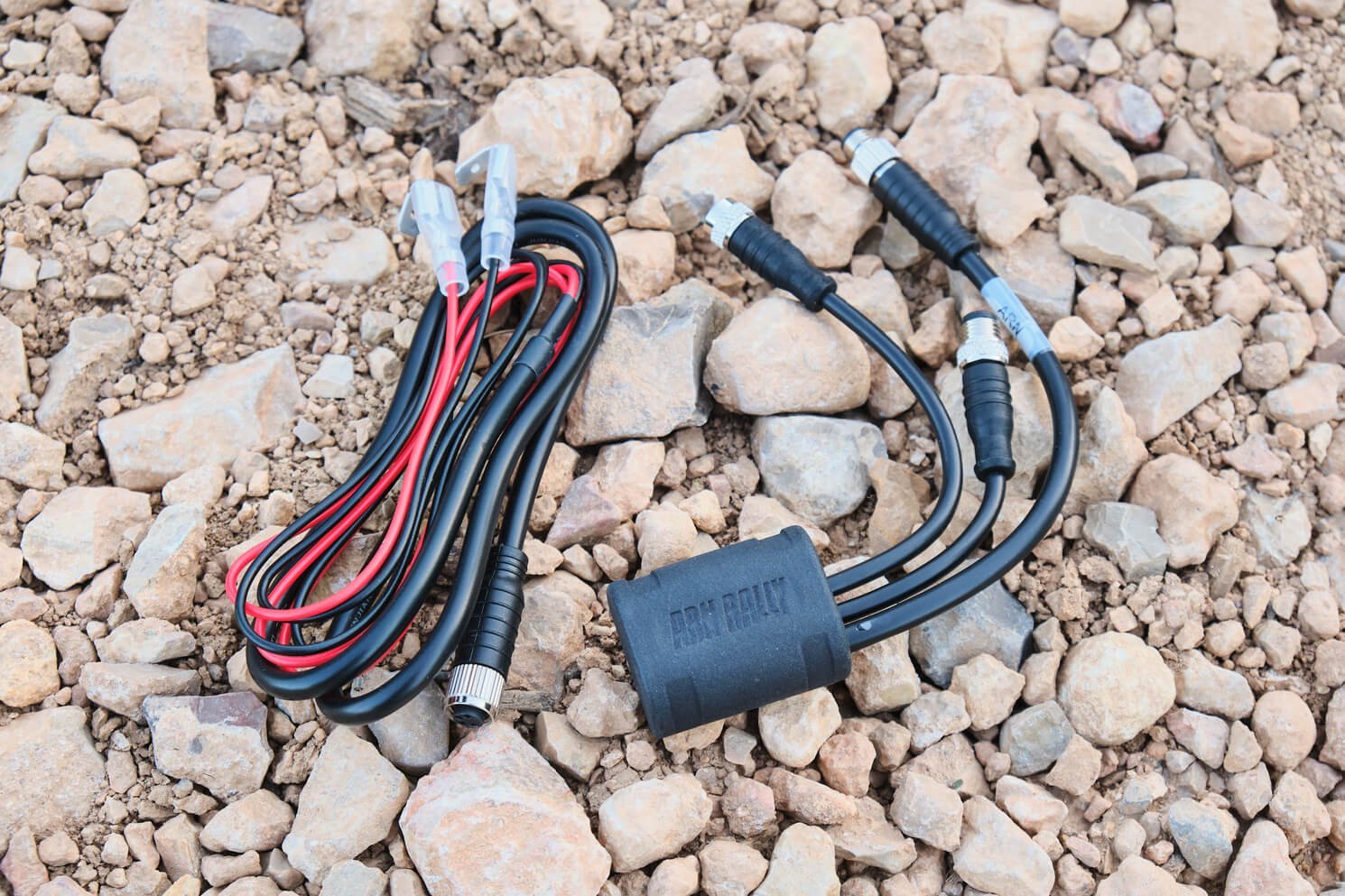
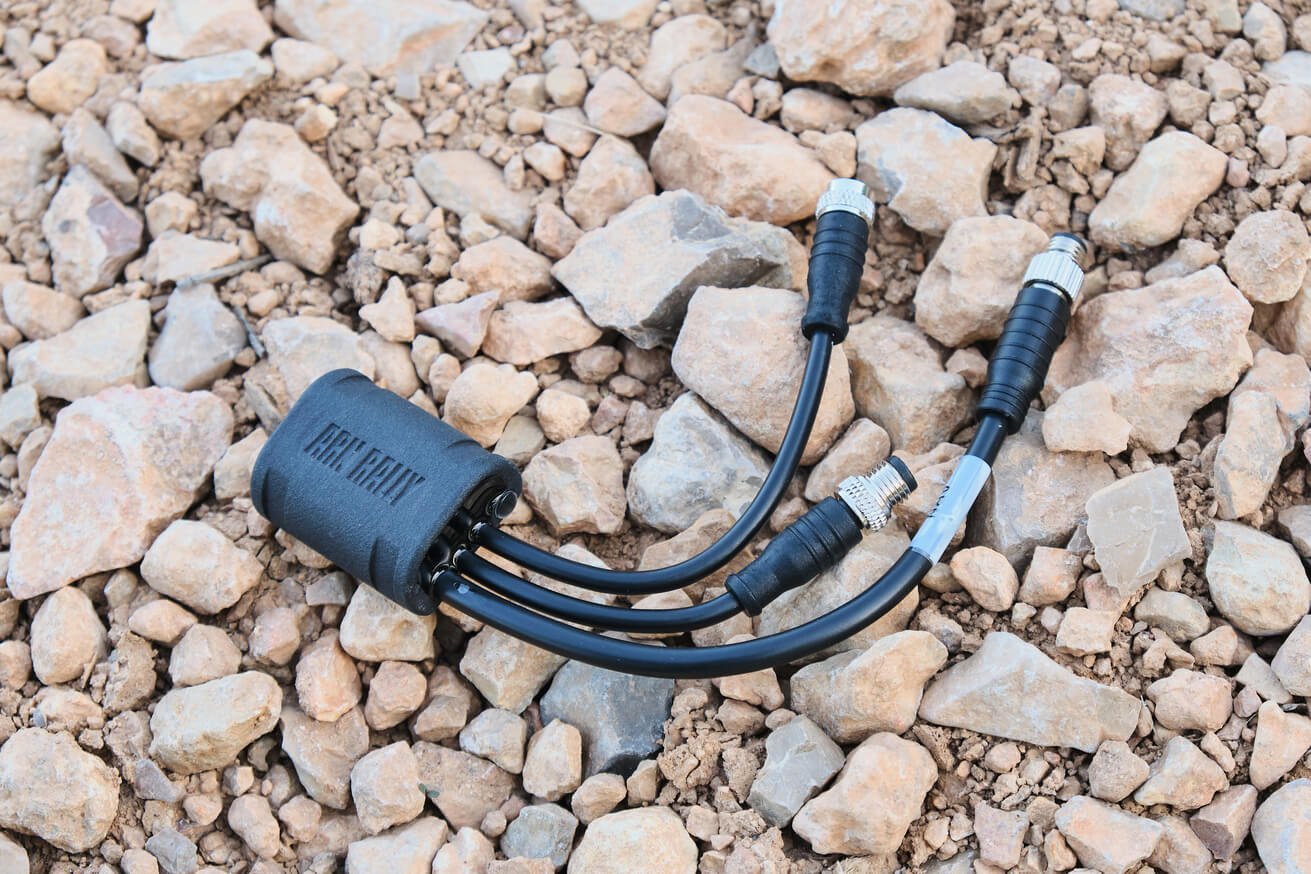
- ARN Remote BOX
- Câble d’alimentation avec porte-fusible + mini fusible
- x3 sangles Velcro
Non inclus :
- x2 capuchons antipoussière M8
- Télécommande F2R CR001

ARN REMOTE utilise la technologie BLE 5.0 pour communiquer avec les tablettes et mobiles sous iOS* et Android.
Suivez les étapes ci-dessous pour appairer votre appareil pour la première fois :
-
Alimentation du boîtier ARN
-
Vérifiez que le témoin LED clignote en blanc
-
Recherchez les appareils Bluetooth via votre téléphone ou tablette
-
Sélectionnez et associez l'appareil « ARN BOX »
ARN REMOTE BOX propose plusieurs modes de fonctionnement conçus et optimisés pour exécuter des actions spécifiques.
Suivez les étapes suivantes pour sélectionner le mode qui correspond le mieux à vos besoins :
-
Appuyez sur le BOUTON POUSSOIR 1
-
Puis appuyez sur LEVIER HAUT
-
Le témoin LED changera de couleur en fonction du mode sélectionné
-
MODES :
-
MODE DMD2 → INDICATEUR LED BLEU
-
MODE ROADBOOK → INDICATEUR LED ROUGE
-
MODE NAVIGATION → INDICATEUR LED JAUNE
-
MODE MUSIQUE → INDICATEUR LED VERT
-
* CONTINUEZ D’APPUYER SUR LE LEVIER VERS LE HAUT TOUT EN MAINTENANT LE BOUTON-POUSSOIR 1 ENFONCÉ POUR NAVIGUER ENTRE LES DIFFÉRENTS MODES
* LE MODE SÉLECTIONNÉ DEVIENDRA LE MODE PAR DÉFAUT
MODE DMD2
Mode permettant le contrôle et l’utilisation de toutes les fonctions de la nouvelle application Drive Mode Dashboard, DMD2 Beta.
-
COMMANDES (1 APPEL)
-
Entrée → BOUTON-POUSSOIR 1
-
Gauche → BOUTON-POUSSOIR 2
-
Droite → BOUTON-POUSSOIR 3
-
Haut → LEVIER HAUT
-
Bas → LEVIER BAS
-
-
COMMANDES (PRESSION LONGUE)
-
Entrer long → BOUTON 1
-
Spécial / + → BOUTON 2
-
Retour / – → BOUTON 3
-

Mode spécifiquement conçu pour les applications qui permettent de parcourir les roadbooks.
C’est le mode avec le temps de réponse le plus court, permettant l’exécution immédiate des commandes liées à la navigation du roadbook.
-
COMMANDES ROADBOOK
-
Vignette suivante → LEVIER HAUT
-
Vignette précédente → LEVIER BAS
-
* Pour inverser les commandes du LEVIER, appuyez sur BOUTON 1 puis sur LEVIER BAS. L’INDICATEUR LED clignotera 1 ou 2 fois selon la configuration choisie.
-
COMMANDES COMPTEUR
-
Ajouter 10 m → BOUTON 2
-
Soustraire 10 m → BOUTON 3
-
Réinitialiser → BOUTON 1 > 3 s.
-
-
COMMANDES SUPPLÉMENTAIRES
-
CMD 1 → APPUYER 1
-
CMD 2 → APPUYER 1 double impulsion
-
* TOUTES LES ACTIONS SERONT EXÉCUTÉES EN CONTINU SI LA TOUCHE EST MAINTENUE ENFONCÉE.
Mode destiné à la navigation cartographique dans les applications compatibles
Sélectionnez la configuration de contrôle qui correspond le mieux à vos besoins en suivant les étapes ci-dessous :
-
Appuyez sur le BOUTON POUSSOIR 1
-
Puis appuyez sur LEVIER BAS
-
L'INDICATEUR LED clignotera en jaune, 1 ou 2 fois selon la configuration sélectionnée
-
COMMANDES – CONFIGURATION 1
-
Télécharger la carte → LEVIER HAUT
-
Télécharger la carte → LEVIER BAS
-
Gauche → bouton carte 3
-
Droite → bouton carte 2
-
Centrer la carte → bouton 1
-
Zoom avant → double appui sur bouton 2
-
Zoom arrière → double appui sur bouton 3
-
Carte → Orientez → orientation de la carte BOUTON 1 double appui
-
-
COMMANDES – CONFIGURATION 2
-
Télécharger la carte → BOUTON 2
-
Charger la carte → BOUTON 3
-
Gauche → carte BOUTON 3 double pression
-
Droite → carte BOUTON 2 double appui
-
Centrer la carte → bouton 1
-
Zoom avant → zoom arrière LEVIER HAUT
-
Zoom arrière → LEVIER BAS
-
Carte → Orientez → orientation de la carte BOUTON 1 double appui
-
* TOUTES LES ACTIONS SERONT EXÉCUTÉES EN CONTINU SI LA TOUCHE EST MAINTENUE ENFONCÉE.
Mode permettant le contrôle des applications musicales compatibles
-
COMMANDES
-
Lecture → BOUTON 1
-
Pause → BOUTON 1 double pression
-
Chanson suivante → LEVIER HAUT
-
Chanson précédente → LEVIER BAS
-
Augmenter le volume → volume + BOUTON 2
-
Volume bas → Volume haut → Volume bas → Volume bas → Volume bas, APPUIEZ 3
-
Muet → DOUBLE APPUI sur le BOUTON 3
-
Mode sélectionnable au démarrage de ARN REMOTE BOX permettant de se passer du joystick sur votre contrôleur analogique.
Sa fonction est de permettre la poursuite du RAID/RALLYE/ÉVÉNEMENT en cours en cas de casse du levier suite à un choc ou une chute. À cet effet, tout contrôle du MODE ROADBOOK sera exclusivement géré par les boutons-poussoirs.
-
SÉLECTION DU MODE SUPPLÉMENTAIRE
-
Coupez l'alimentation de l'ARN REMOTE BOX
-
Appuyez et maintenez le BOUTON 3
-
Alimentation de l'ARN REMOTE BOX
-
Attendez 3 secondes puis relâchez le BOUTON 3
-
Activez / associez ARN REMOTE BOX à notre appareil mobile / tablette
-
Vérifiez que le TÉMOIN LED émet la couleur MAGENTA
-
-
COMMANDES ROADBOOK
-
Avancer vignette → BOUTON 3
-
Reculer vignette → BOUTON 2
-
-
COMMANDES COMPTEUR
-
Ajouter 10 m → BOUTON 1
-
Soustraire 10 m → DOUBLE IMPULSION sur le BOUTON 1
-
* TOUTES LES ACTIONS SERONT EXÉCUTÉES EN CONTINU SI LA TOUCHE EST MAINTENUE ENFONCÉE
INSTRUCTIONS



Avis
Aucun avis pour le moment.